
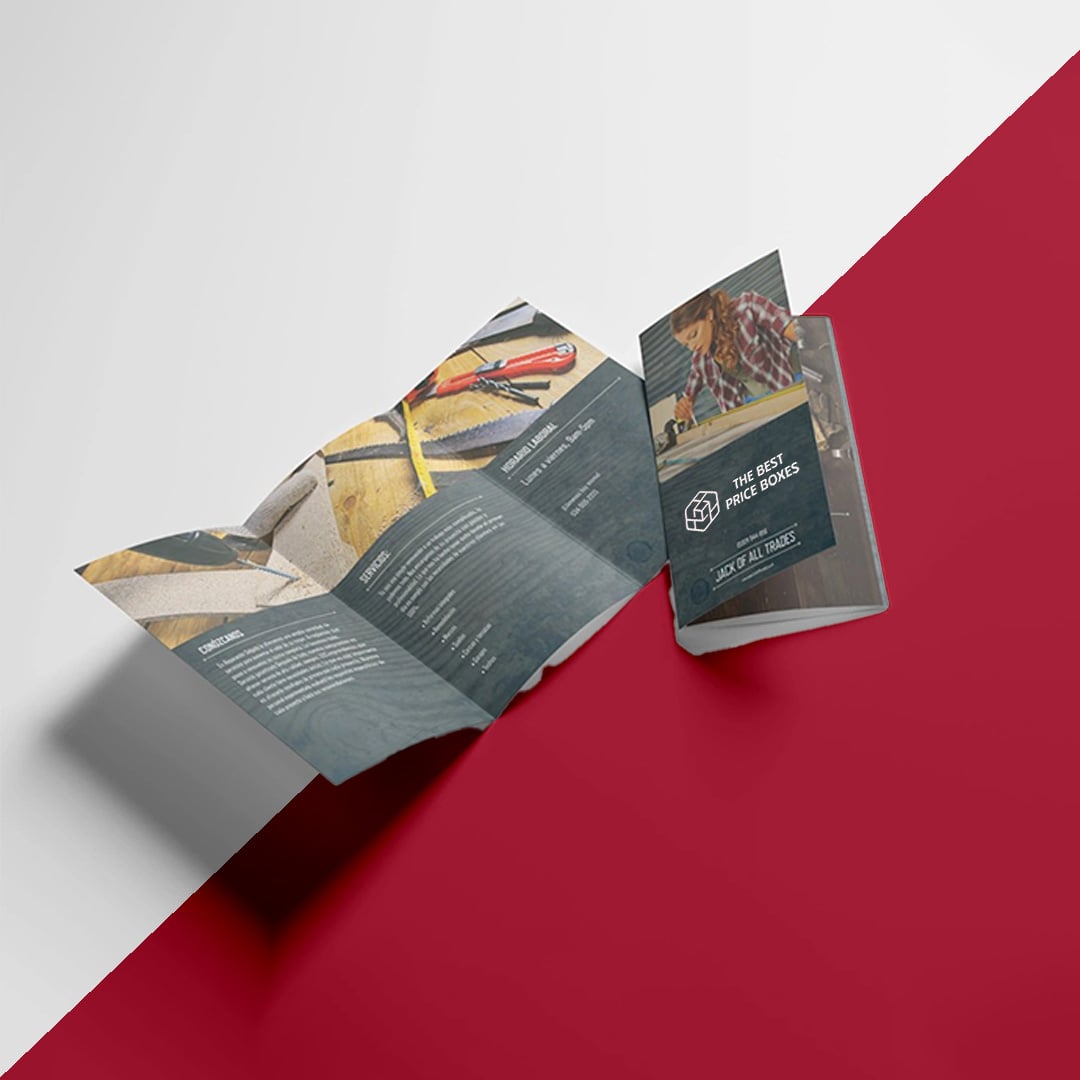
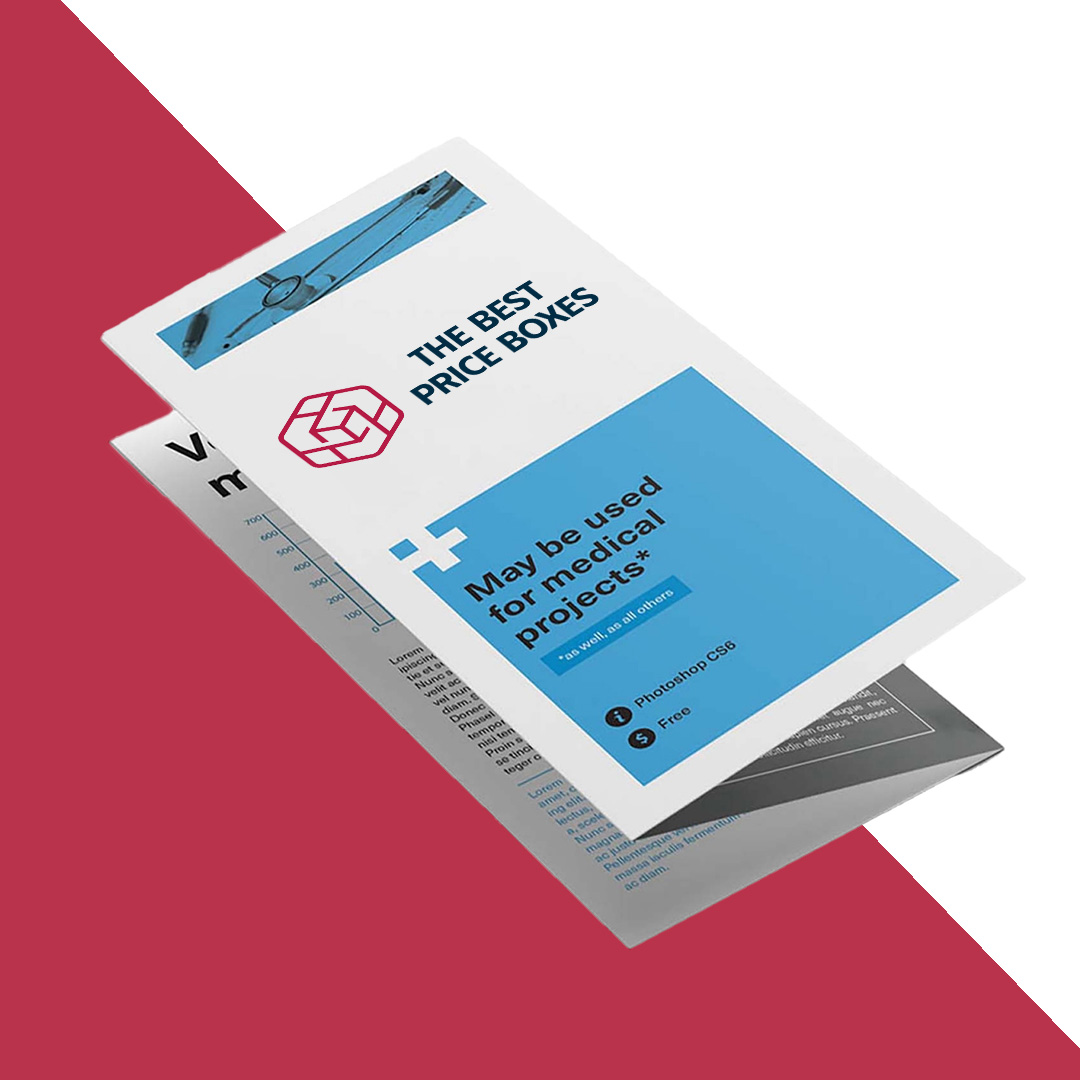
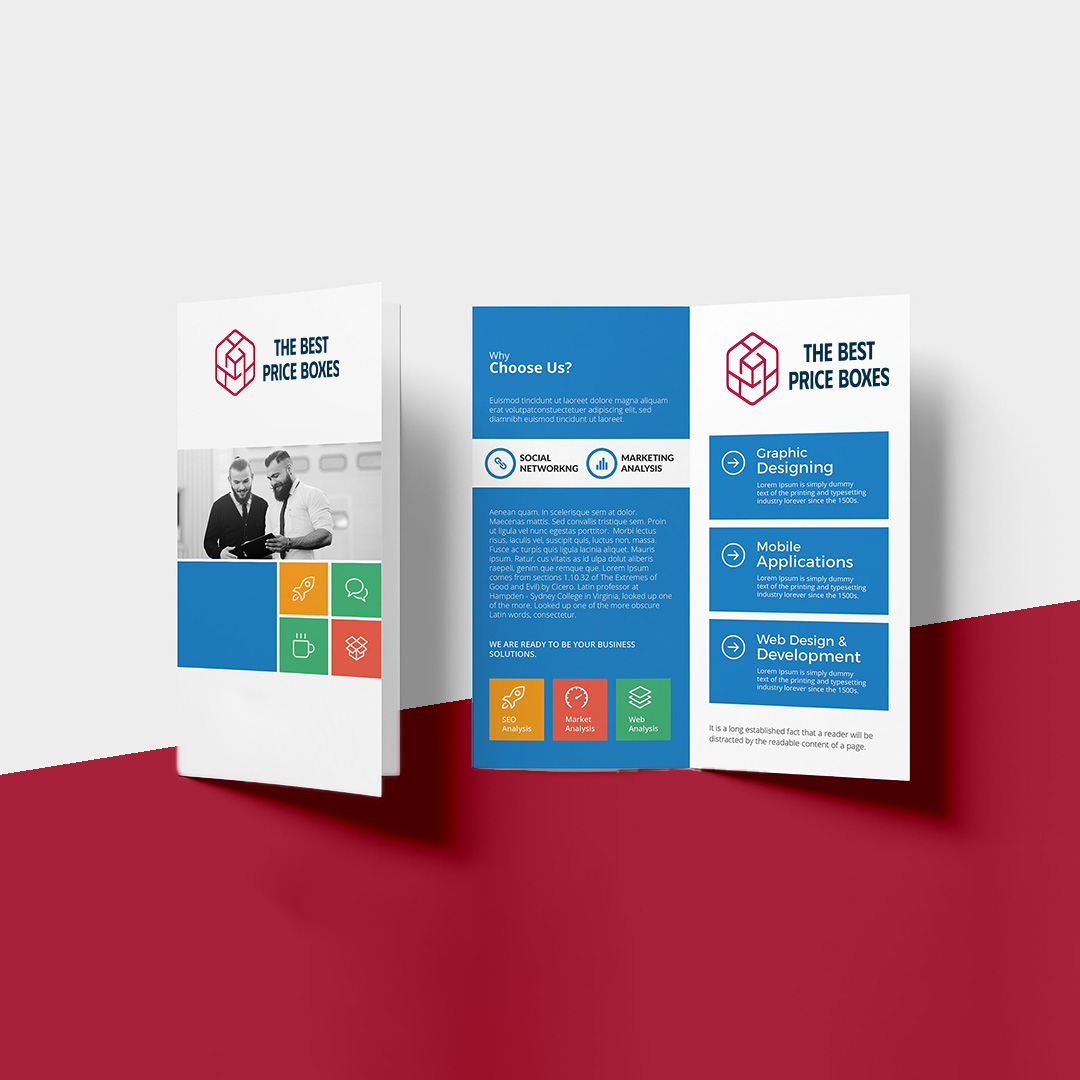

A brochure is what you hand someone who is already interested. We print custom brochures in full color with no minimum order, folded accurately as a half fold, tri fold, z fold, gate fold or accordion, on gloss, matte or uncoated stock, scored first on anything heavy so the fold does not crack. Because there is no minimum you print what one campaign actually needs rather than buying a fixed pack, and if you already hold a written quote we will beat it.
Brochure folds, and what each one is for
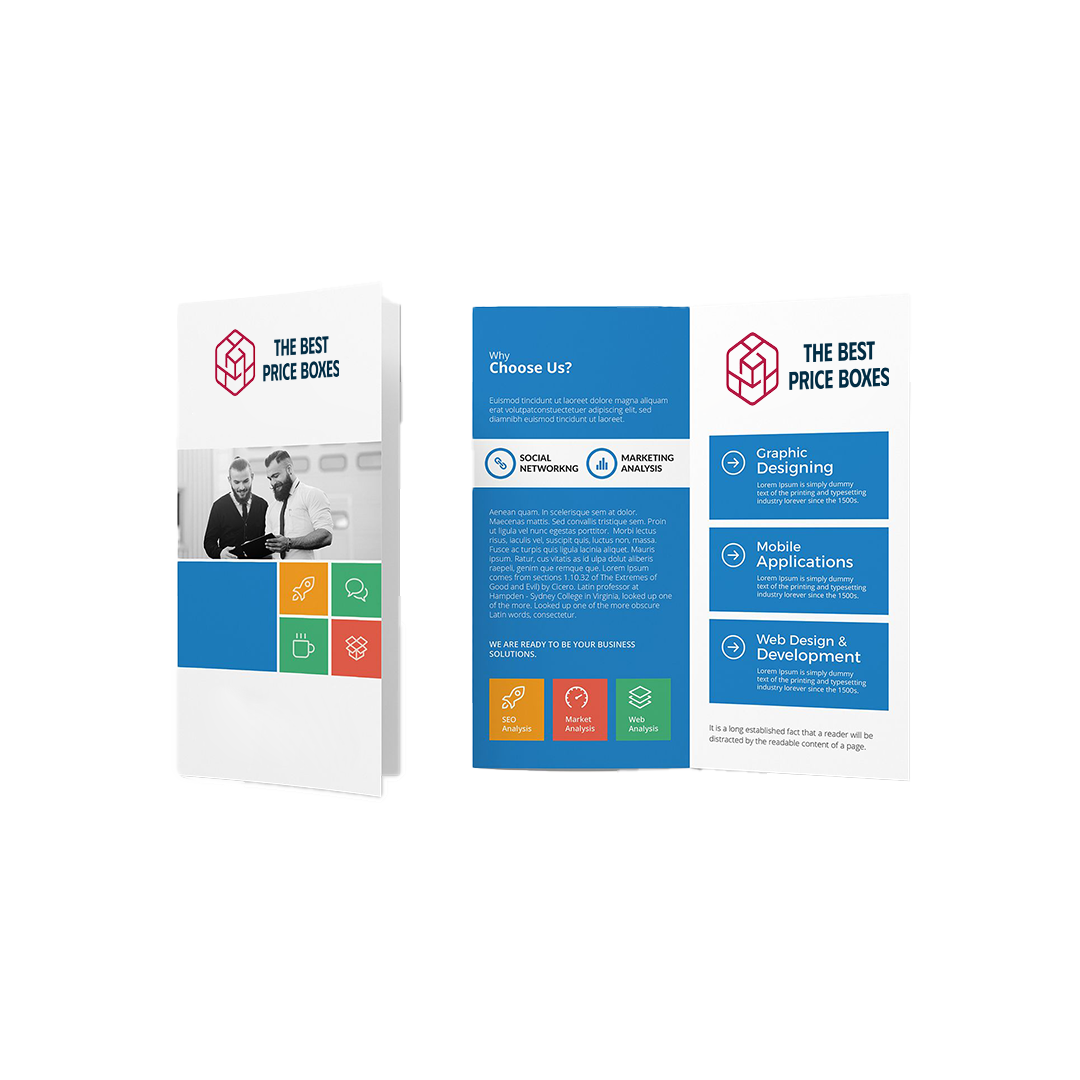
- Half fold, also called bi fold. One fold, four panels. The simplest option and the one that photographs best, because you get two full width panels with no fold running through the middle of the image.
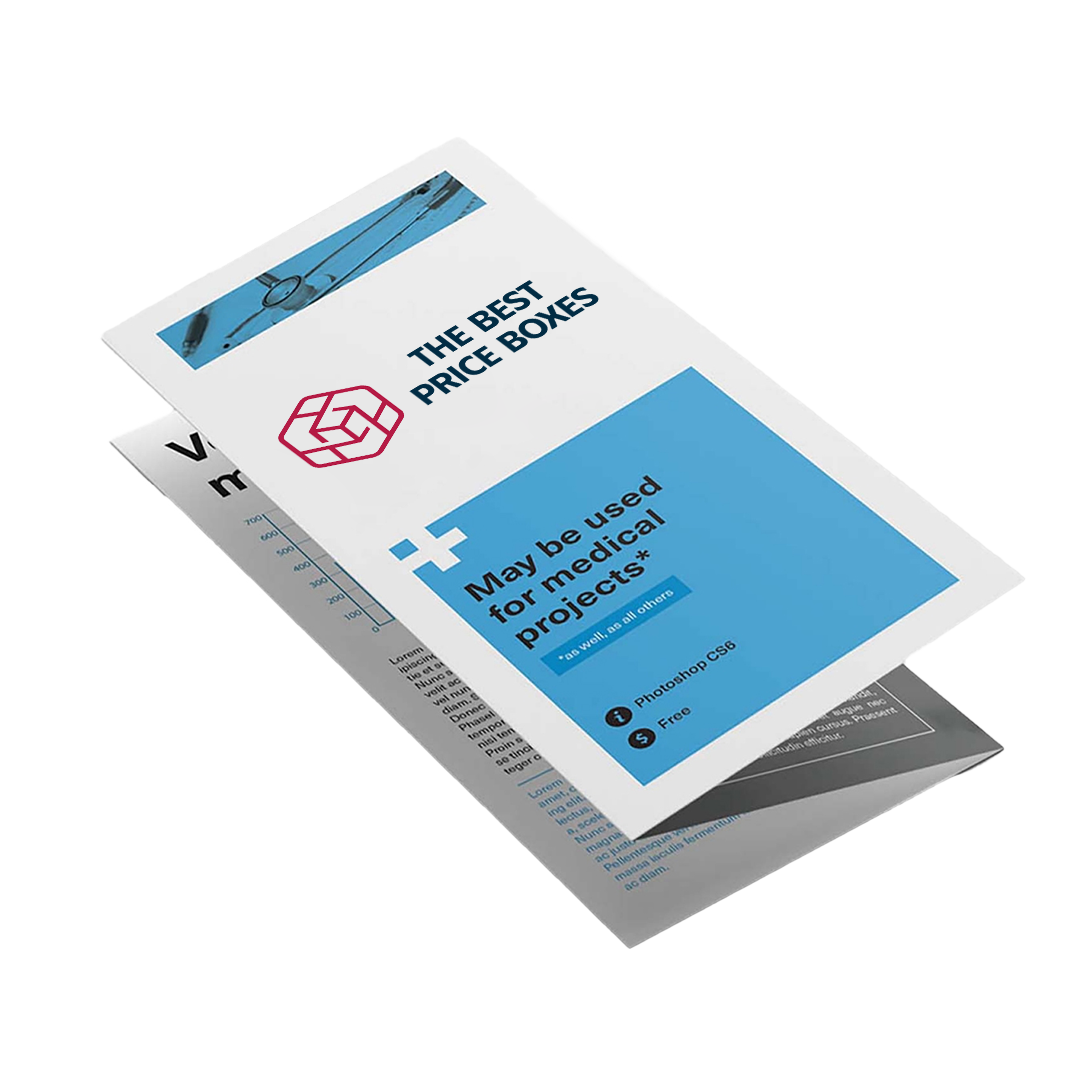
- Tri fold, the letter fold. Two folds, six panels, and the piece that fits a standard business envelope and a rack. This is the default for services, real estate and travel.
- Z fold. Two folds in opposite directions so the panels concertina out. Nothing tucks inside, so every panel is full width and it works when you want a reader to see the whole spread at once.
- Gate fold. Both outer panels fold to meet in the middle, so opening it is a reveal. Good for a product launch, more expensive to fold, and it needs the two gate panels cut slightly narrow so they meet without overlapping.
- Double parallel and roll fold. Three folds, eight panels, for longer stories where a tri fold has run out of room.
- Accordion fold. Alternating folds across four or more panels, which lets the reader open one panel at a time or the whole thing flat.
The panel measurement people get wrong
On any fold where a panel tucks inside another, the tucked panel has to be cut narrower or the brochure will not close flat. On a standard 8.5 x 11 in tri fold the two outer panels come in at about 3.6875 in and the panel that folds inside at about 3.625 in. It sounds like nothing. Set all three at an even 3.6667 in and the piece bows in the middle, the fold creeps, and a stack of them will not sit square in a rack. Gate folds need the same allowance on both gate panels.
If you build your artwork on a template we supply, this is already handled. If you are working from a layout someone else made, send it before you commit to the print and we will check the panel widths against the fold. It is a five minute check that saves a reprint.
Brochure sizes we print
- 8.5 x 11 in flat, folding to 8.5 x 3.67 in as a tri fold or 5.5 x 8.5 in as a half fold. The standard, and the cheapest per piece.
- 8.5 x 14 in legal, for a longer tri fold or a four panel accordion.
- 11 x 17 in flat, folding to 8.5 x 11 in. The right choice when you need real estate for floor plans, spec tables or large photography.
- 11 x 25.5 in for a full roll fold.
- A4, 210 x 297 mm, if the audience is outside the US.
Paper, and why it decides whether the fold cracks
100 lb gloss text is the workhorse for brochures. It has enough body that the piece does not flop in the hand, it folds without cracking, and gloss holds photography well. 80 lb text is lighter and cheaper and fine for a high volume mailing, though it feels thin if the brochure is meant to sit on a desk. Matte text reads calmer and is easier on long copy. Uncoated takes pen ink, which matters if there is a form or a checklist on a panel.
Go up to cover weight and you have to score before folding. An unscored cover stock cracks along the fold and the crack shows white through the ink, worst of all on a dark solid. We score anything at that weight as standard, but it is the single most common defect on brochures printed cheaply elsewhere, so it is worth knowing what to look for.
How to set up your brochure file
- Build it as two artboards, front and back, at the flat size, not as separate panels.
- Lay panels out in the correct fold order. The panel that tucks inside is not the one on the left of the outside artboard, and getting this backwards is the most common file error we see.
- 0.125 in bleed on all four outside edges of the flat sheet.
- Keep live type 0.25 in inside the trim and 0.125 in clear of every fold. Type crossing a fold gets creased and stops being readable.
- Build in CMYK, images at 300 dpi at placed size, fonts embedded or outlined.
- Export a single PDF with crop marks, ideally PDF/X-1a.
Every job gets a digital proof showing the fold layout before it runs, so you see which panel lands where rather than discovering it when the boxes arrive.
Any quantity, no minimum order
Brochures date faster than almost anything else in print, because a price list changes, a service gets added or a phone number moves. Ordering five thousand to hit a tier is how a business ends up handing out a brochure that is eighteen months wrong. We have no minimum order, so print the run this campaign needs, reprint when the content changes, and stop storing obsolete stock. Per piece cost still falls as the run grows and we will tell you where that curve bends.
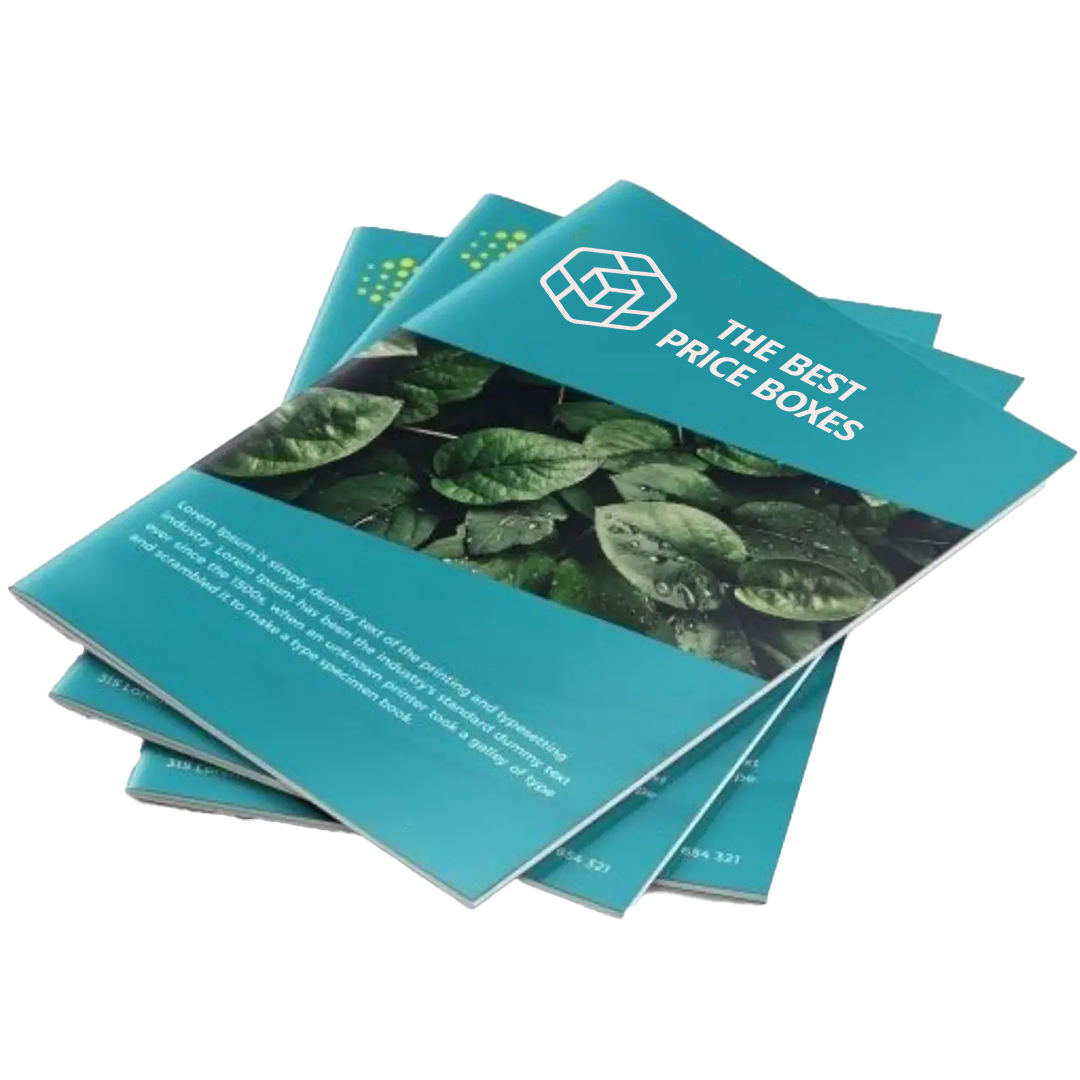
Send your fold, flat size, stock preference and quantity and we will quote it. Request a free quote. For bound multi page work see custom booklet printing and custom magazine printing.
Brochure printing FAQ
What fold styles do you offer?
Bi fold, tri fold, gate fold, and z fold, single or multi sheet. The fold shapes how the reader moves through the story, so we match it to your content.
Does the paper affect a brochure?
Yes, a heavier stock holds a crisp fold and feels substantial, gloss makes photos pop, and matte reads refined. A flimsy stock falls apart in the hand and undercuts the message.
Will the panels line up?
Yes, we print with tight registration and accurate folds so panels align and the story flows the way you designed it.
Is there a minimum order?
No minimum, so you can print a brochure for one campaign or a small run without overordering.
How much does it cost to print a brochure?
Five things move the number: flat size, fold style, paper weight, whether it prints one side or both, and quantity. Fold style matters more than people expect, because a gate fold or a roll fold takes a slower pass through the folder than a simple half fold. Cover weight adds a scoring pass. Short runs cost more per piece than long ones, though with no minimum order you are never pushed into a quantity you cannot use before the content goes out of date. Send the size, fold and quantity for a real quote, and if you hold a written quote already we will beat it.
How do you print a brochure?
Lay the brochure out at its flat size as two artboards, front and back, with the panels in fold order and the tucked panel cut narrower. Add a 0.125 in bleed, keep type clear of the folds, export a print ready PDF in CMYK, then send it with your fold style, stock and quantity. We check the panel widths against the fold, return a digital proof showing the fold layout, and print, score, fold and trim once you approve it.
What is the difference between a tri fold and a z fold brochure?
Both use two folds and six panels, but a tri fold tucks one panel inside, so that panel has to be cut narrower and it is hidden until the reader opens the piece. A z fold folds in alternating directions like a concertina, so nothing tucks in, every panel is full width, and the whole spread opens in one movement. Tri fold fits a standard envelope and a rack, which is why it is the default. Z fold is the better choice when the story runs across the panels as one image or one sequence.
What paper weight should a brochure be?
100 lb gloss text is the standard and the safest choice: enough body to hold its shape in the hand, folds without cracking, and gloss keeps photography sharp. Drop to 80 lb text for a high volume mailing where postage weight matters. Move up to cover weight only if the brochure needs to feel like a card, and make sure it is scored before folding, because unscored cover stock cracks along the fold and the white crack shows through dark ink.
Related print and packaging products: custom booklet printing, custom magazine printing, and custom hang tags.
More Custom Retail Packaging
See the full Custom Retail Packaging range, or explore related options with no minimum order and our best-price guarantee: